

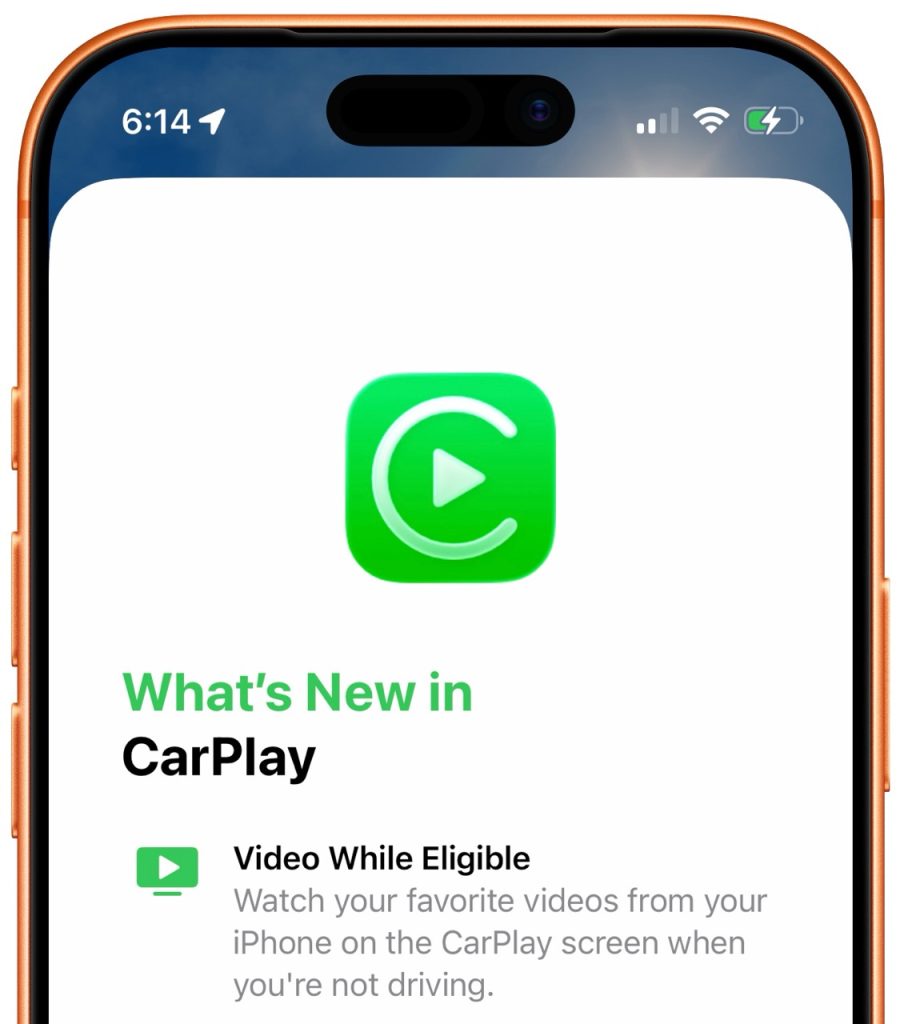
Apple made a major U-turn with CarPlay after a decade of not allowing video playback. Starting with iOS 26, Apple technically allows apps to display video through the CarPlay screen while parked. Here’s the latest on where things stand for the feature.
Park to unlock video playback through CarPlay
The capability falls under the name ‘video in the car’ and was first mentioned on Apple’s developer website for CarPlay last summer:
AirPlay video in the car enables people to watch their favorite videos from iPhone right on their CarPlay display when they aren’t driving. Integrate support for CarPlay with AirPlay video to enable this feature in your car.
Apple points developers and automakers interested in making and supporting CarPlay apps with video playback to learn more:
If you are interested in supporting CarPlay, CarPlay Ultra, AirPlay video, or car keys in your vehicle system, learn more about the MFi Program.
Back in early 2025, a third-party app managed to get a CarPlay web browser with video playback through App Store review, but the feature was later removed.
Since iOS 26, video playback while parked has technically been allowed for the first time.
What’s the state of video apps in CarPlay?
For now, video playback through CarPlay doesn’t really seem to exist in the real world.
We know support won’t be universal as each automaker controls whether or not to enable the feature.
There are no public comments from automakers planning to support video playback through CarPlay while parked either.
It’s unclear if we’ll actually see video playback anytime soon. Support requires explicit automaker support, not just app developer support.


Top comment by Mike Wolf
The mistake Apple made was putting this in the hands of automakers instead of finding a way around them.
With few exceptions no automaker is going to give their customers (especially with older models) a new feature without finding a way to exploit it for more money, be it a paid software upgrade or requiring the purchase of a new car.
One idea would be how the Siri keyboard in Maps works: When the car is in park you have the option to type on the keyboard but when the car is shifted into drive the option goes away and you can only interact thru voice. Perhaps tie the video feature to the shifter position and use the gyro sensors for added safety?
The closest we’ve seen is virtual support through Apple’s CarPlay Simulator app on the Mac.
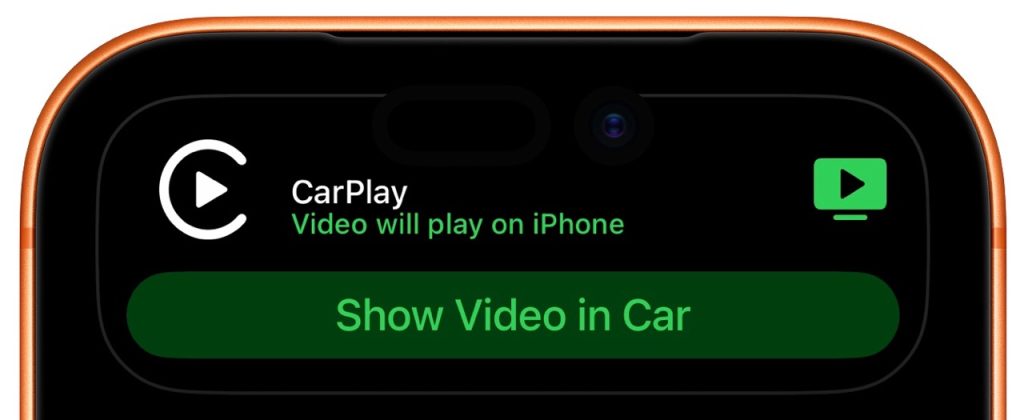
It includes a built-in Apple TV app that simulates what the experience would be like on a compatible CarPlay system. It also supports playing some videos from iPhone, like through Safari, on both iOS 26.4 and iOS 26.5.
One clue the CarPlay Simulator example gives us is that video might have strict screen resolution requirements. Video only works in CarPlay Simulator with a 1920×1080 resolution system.
Still, despite being almost a year since CarPlay video playback was first confirmed by Apple, we’re not exactly confident that the feature will hit the road for drivers during the iOS 26 release cycle.
Do more with your Apple products
Apple AirTag 2 | Add Find My tracking to keys, bags, bikes, more
Beats USB-A to USB-C Cable | The official CarPlay cable


FTC: We use income earning auto affiliate links. More.


Comments